 NoahSign in
Watch me build the AI system that runs my entire life and business, call by call.
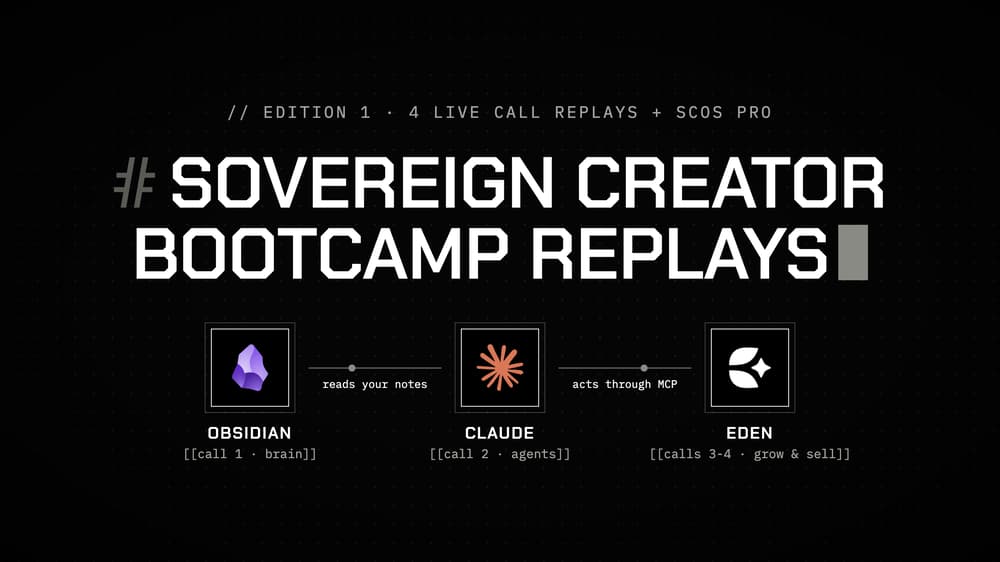
The exact program the first cohort of the Sovereign Creator Bootcamp paid $750 for: Sovereign Creator OS Pro + the replays of the 4 live calls where I show, step by step, how to implement Eden, Obsidian and Claude Code to automate your entire business.
By Noah · 4 lessons
You know AI could run half your business. You just don't know how to set it up.
Your notes live in one app, your AI in another, your scheduler, store and analytics in five more.
You re-explain who you are to your AI every morning, and what comes back still sounds like everyone else's AI.
And every time you try to build a real system, you get stuck on step 3 at 11pm, with nobody to ask.
This is the system I use every day
I run my entire life and business from one system, in 2 to 4 hours of work a day: Obsidian holds my mind, AI agents do the work, and Eden takes my best work to the market.
It's the result of more than 10 years in online entrepreneurship, and in October I taught it live to the first cohort of the Sovereign Creator Bootcamp, in 4 calls.
Now you get everything they got.
The 4 calls
Call 1 · Install your brain. The vision, the 3 contexts your AI needs (your voice, your data and the market's data), how your vault is organized, how Claude Code reads it, and the init interview that teaches your AI who you are.
Call 2 · Agents that do the work. Connect Eden to Claude, turn your repeated tasks into SOPs and skills, and build your own with the workflow interview.
Call 3 · Your growth engine. Why AI content doesn't grow, your data and the market's data, the content growth engine for every platform, the use cases for your week and the anti-AI pass.
Call 4 · Package and launch. Find what sells with the ads library, find what your audience wants, build the product on Eden, write the sales page and the launch sequence, and turn every launch into a system.
What you get
- Sovereign Creator OS Pro ($997 on its own): 50+ modules, the pre-built vault with 80+ notes, 38 templates, 30 dynamic Bases and 12 SOPs. It arrives in your Eden library right after you buy.
- The replays of the 4 live calls, about 6 hours of me teaching and building live, with the Q&A.
- The 4 call scripts, so you can follow along and copy every step.
- 13 take-home workflows and templates: the Init Interview, the Workflow Interview, Content Loop, Idea Research, Long-Form Checker, Offer Research, Customer Research and Launch Kit prompts, the Anti-AI Writing Guide, the Week 3 Use-Case Prompts, the Sales Page Template, the Email Sequence Template and the Email Sequence Examples.
Who it's for
For creators, coaches, consultants and freelancers who want AI to take over as much of their business as possible, without losing their voice. You don't need to be technical: after the first setup, your agent handles the technical side.
What's inside
The 4 live calls4 lessons
- 1Call 1 · Install Your Brain
- 2Call 2 · Agents That Do The Work
- 3Call 3 · Your Growth Engine
- 4Call 4 · Package and Launch
Plus 17 files, all inside the product.
This is Noah's course, ready to take.
You get the lessons Noah wrote, in the order Noah teaches them, with a checkmark on each one you finish. Read them here, copy them into your own Eden workspace, or download the files that go with them.
When Noah updates a lesson, your copy updates too. Nothing to set up, nothing to install.
Questions
What do I actually get?
The lessons and files listed on this page, made by Noah. You can read them here, download the originals, or add them to your own Eden workspace.
Do I need an account?
A free Eden account, so your files are always where you left them, on web and phone. It takes a moment and there is nothing to install.
What happens after I buy?
It opens in your Eden account right away. You keep it. When Noah updates the lessons, your copy updates too.
Get Sovereign Creator Bootcamp: Edition 1 Replays
$750 one time. Yours the moment you sign up.
Noah